End-to-end group encryption
Every message uses a rotating group key, so the room stays private even as the conversation moves fast. Who wants a chat that looks secure but isn’t?
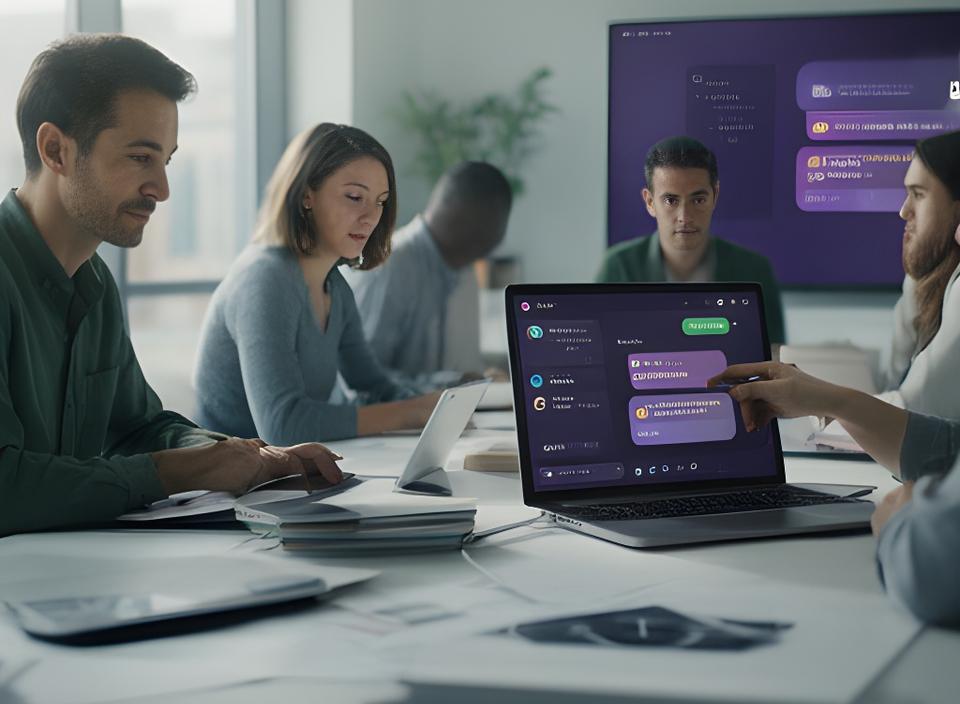
Your project documents fly back and forth all day, but if the pipe isn’t encrypted, you’re broadcasting secrets. University Link keeps the conversation and the attachments inside one hardened workspace. Why split your team across unsafe tools?
Share blueprints, approve contracts, and keep strategy threads together. Every room feels simple to use, yet every message and file gets serious protection behind the scenes.
Three pillars of secure collaboration
Three clear layers, each designed to stop leakiness before it starts. Clean, calm, and hard to misuse.
Every message uses a rotating group key, so the room stays private even as the conversation moves fast. Who wants a chat that looks secure but isn’t?
Drag in contracts, mockups, or spreadsheets. Files are scanned, encrypted, and wrapped with the same protection as the conversation around them.
Set view-only, download-only, or expiry rules in seconds. If something changes, revoke access without breaking the entire room.
Built for real-world scenarios
Need a room that handles legal reviews, launch plans, or executive debate without the usual mess? These setups are made for that.

Time-bomb downloads, threaded comments, and a clear audit trail keep the deal moving. Why chase updates across three apps?

Design, marketing, and finance can collaborate in one invite-only space. No leaked screenshots. No version chaos. Much better.

Quarterly plans, confidential updates, and board-level thinking stay in one protected place. Quiet. Controlled. Ready when you are.
See confidential file sharing work
This is a demo, but the real workflow uses AES-256 and strict key separation. Curious how quickly a file can become room-ready?
The card will highlight itself. No uploads happen. We’re keeping this friendly for browsers and for future maintainers.
A small trail of events makes the room feel honest. Who accessed the file? When did they act?
Security that goes beyond the chat bubble
Because the message layer and the file layer are built to back each other up, not expose each other.
Keys update as the conversation moves. That means old messages don’t turn into a weakness later. Clean, simple, relentless.
A shared file never sits next to its own key. Even if someone finds the file, the lock stays somewhere else.
Suspicious files are checked before encryption starts. Safer by design, not by apology. Isn’t that the point?
From teams like yours

“Our legal team shares contracts in private rooms now. Version chaos disappeared, and nobody has to wonder where the latest draft lives.”
Junrui Gutstadt, General Counsel, Manufacturing Co.

“Why did we choose University Link? Because the file expiration feature saved us during a patent filing, and the audit trail gave everyone confidence.”
Nádia Pona, IP Manager
Connect your favourite tools
SharePoint, OneDrive, Dropbox, Outlook Calendar. Pull a file from storage, drop it into the room, and keep the workflow moving without loosening control.
Turn your group chat into a privacy fortress
Ready to give your team one protected space for messages, files, and approvals? Start small, prove the workflow, and keep the sensitive stuff where it belongs.